

VW Transporter T6 AdBlue Fault: Warning Lights, Fault Codes and What to Do
Everything you need to know about T6 and T6.1 AdBlue warning lights, what the fault codes mean, and how to get it fixed without a workshop visit.
In This Guide
A VW Transporter T6 AdBlue fault is usually caused by a NOx sensor failure, a blocked or failed AdBlue pump, contaminated fluid, or an SCR catalyst efficiency issue. The vehicle will display a countdown warning and may refuse to restart once the countdown reaches zero. A diagnostic scan is needed to identify the exact fault code before any repair.
How the VW Transporter T6 AdBlue System Works
The VW Transporter T6 and T6.1 use Selective Catalytic Reduction (SCR) to reduce nitrogen oxide (NOx) emissions from the exhaust. This system injects AdBlue — a mixture of urea and deionised water — into the exhaust stream, where it reacts with NOx gases and converts them to harmless nitrogen and water vapour.
On the T6, the SCR system includes an AdBlue tank (usually located near the spare wheel or under the vehicle floor), a pump, a dosing injector, and one or two NOx sensors positioned before and after the SCR catalyst. The engine control module monitors flow rate, fluid quality, and NOx reduction efficiency. When any part of this system falls outside normal parameters, a warning is triggered.
The T6 and T6.1 use the 2.0 TDI engine in various outputs (84 kW, 110 kW, 150 kW), and all Euro 6 variants include AdBlue SCR as standard. The system is designed to be low-maintenance but can develop faults over time, particularly in high-mileage commercial vans.
T6 AdBlue Warning Light Stages Explained
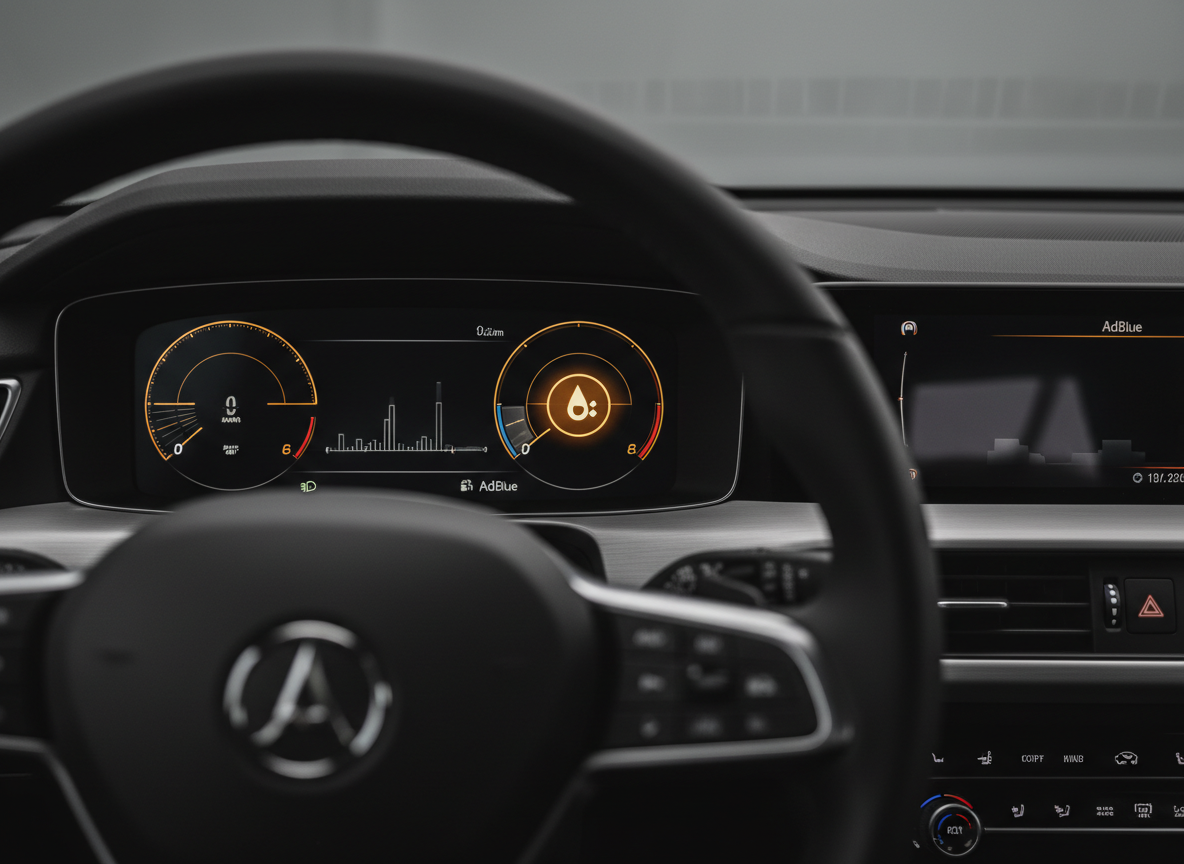
The VW Transporter T6 uses a progressive warning system. Understanding which stage you are in helps you decide how urgently to act.
Stage 1: Yellow Warning
The AdBlue warning light appears and the instrument cluster displays a message — typically “AdBlue: Please top up” or a mileage countdown. The vehicle operates normally. You have time to act, but should not ignore it.
Stage 2: Countdown Active
If the warning is not addressed, the van shows a countdown — often “Vehicle will not start in X km”. Topping up the AdBlue tank may clear this if low fluid was the only issue.
Stage 3: Restart Refused
Once the countdown reaches zero, the T6 will not restart after the engine is switched off. This is a manufacturer-mandated lockout, not a mechanical failure. The vehicle must be diagnosed and the fault cleared with specialist software.
Stage 4: Fault-Triggered Warning
If the warning is caused by a component fault rather than low fluid, topping up the tank will not clear it. You will see a different message referencing the AdBlue system or a workshop visit, and the countdown may appear even with a full tank.
The key difference between a low-fluid warning and a fault-triggered warning is that the former responds to a top-up; the latter requires diagnostics and software to clear. If the warning light does not go away after filling the AdBlue tank, you have a fault rather than an empty tank.
Common T6 AdBlue Fault Codes
When a T6 AdBlue fault is diagnosed, the scan tool reads specific fault codes that identify the cause. Here are the most commonly seen codes on the Transporter T6.
| Fault Code | Description | Likely Cause |
|---|---|---|
| P20EE | SCR NOx Catalyst Efficiency Below Threshold | SCR catalyst degraded, NOx sensor failure, AdBlue quality issue |
| P207F | Reductant Quality Performance | Diluted or contaminated AdBlue, wrong fluid used |
| P20E8 | Reductant Pressure Too Low | AdBlue pump failure, blocked injector, frozen fluid |
| P204F | Reductant System Performance Bank 1 | General SCR system efficiency fault, dosing error |
| P2200/P2201 | NOx Sensor Circuit Fault | Failed or contaminated upstream NOx sensor |
| P2BAE | Reductant Injection Air Pressure | Pump or injector fault, air leak in dosing circuit |
These codes rarely appear in isolation. A T6 scan often shows multiple related codes, and the root cause must be traced systematically rather than replacing parts at random. An experienced technician will look at live NOx sensor data, pump pressures, and SCR efficiency readings before deciding on the repair.
What Causes AdBlue Faults on the Transporter T6
The T6 AdBlue system is robust but sees predictable failures as mileage accumulates. The most common causes of faults are:
NOx Sensor Failure
The downstream NOx sensor — positioned after the SCR catalyst — is the most common point of failure on high-mileage T6 vans. It monitors the reduction efficiency of the catalyst and reports back to the engine control unit. When it fails, it either reads zero NOx reduction or sends erratic data. This triggers a P20EE or P2200 code and can cause a no-start countdown even when the SCR system itself is working correctly.
AdBlue Pump Failure
The AdBlue dosing pump pressurises the fluid and delivers it to the injector. On the T6, the pump sits submerged in the AdBlue tank and can develop faults related to contaminated fluid, crystallisation from dried AdBlue residue, or wear over time. A failed pump produces a P20E8 code and usually drops the dosing pressure to zero, stopping SCR function entirely.
Contaminated or Poor-Quality AdBlue
Using tap water instead of AdBlue, mixing in the wrong fluid, or allowing the tank to run completely dry and then refilling can all produce a P207F code. The SCR system tests the quality of the fluid during operation. If the concentration of urea is outside the expected 32.5% range, the system flags a quality fault and disables dosing.
SCR Catalyst Degradation
Over time — typically above 100,000 miles — the SCR catalyst itself can lose efficiency. When it can no longer achieve the required NOx reduction even with correct dosing, a P20EE code appears. This is less common than sensor or pump faults but becomes a factor on older high-mileage T6 commercial vehicles.
Crystallisation in the Dosing Circuit
AdBlue crystallises when it dries. Residue can block the dosing injector or the lines between the pump and injector. This restricts flow and triggers pressure faults or quality codes. It is more common in vehicles where the AdBlue system has been inactive for long periods, or where the heating element that prevents freezing has failed.
Can You Reset a T6 AdBlue Fault Yourself?
Topping up the AdBlue tank through the blue filler cap — usually in the boot area or under the rear floor — will clear a genuine low-fluid warning. If the countdown was triggered purely by low fluid and has not yet reached zero, a refill will allow normal operation to resume.
However, if the vehicle shows a fault code rather than a simple low-fluid message, or if the countdown has reached zero, you cannot clear the fault by topping up the tank. You need a diagnostic scan tool — specifically VW diagnostic software such as VCDS or a dealer-level scan tool — to read and clear the codes. Generic OBD readers will often detect the fault but cannot perform the specific resets needed to re-enable the start function.
Attempting to clear the fault by disconnecting the battery or using a generic code reader will not work reliably. The no-start protection is managed at ECU level, and the relevant learned values need to be reset through proper software.
How AdBlue Specialist Fixes T6 AdBlue Faults
AdBlue Specialist provides mobile diagnostics and software-based fault resolution for VW Transporter T6 and T6.1 vans across Staffordshire, Cheshire East, and Staffordshire Moorlands. The process is straightforward.
- Diagnostic scan: The van is connected to specialist VW software. All active and stored fault codes are read, and live data including NOx sensor readings, pump pressures, and SCR efficiency values is reviewed.
- Fault identification: The root cause is identified from the code and live data combination — whether that is a sensor, pump, quality fault, or catalyst-related issue.
- Software reset or component resolution: Faults that are caused by sensor signal errors or SCR calibration issues are resolved through software. Where a physical component needs attention, the technician advises on the correct repair path.
- No-start unlock: If the T6 is in a no-start countdown lockout, this is cleared through the correct software procedure once the underlying fault is resolved.
- Verification: A post-repair scan confirms no active codes remain and the SCR system is operating within normal parameters before the van is returned to service.
The mobile service means there is no need to tow the van or organise a workshop visit. Work is carried out at your premises, home, or roadside location. For fleet operators, this avoids downtime and gets the vehicle back into service the same day in most cases.
Need Your T6 AdBlue Fault Fixed?
AdBlue Specialist provides same-day mobile diagnostics and software-based fault resolution for VW Transporter T6 and T6.1 across Staffordshire, Cheshire East, and Staffordshire Moorlands.
Frequently Asked Questions
Will the T6 Transporter stop while driving if the AdBlue runs out?
No. The VW Transporter T6 will not cut out while the engine is running. The no-start lockout only activates when the engine is switched off after the countdown reaches zero. The van will continue to run normally until you turn the ignition off.
How much AdBlue does a VW Transporter T6 hold?
The Transporter T6 AdBlue tank is approximately 13 litres. Consumption is typically around 1 litre per 600–800 miles, so a full tank gives a range of around 7,000–10,000 miles between refills depending on driving style and load.
Can a T6 AdBlue fault clear itself?
A low-fluid warning will clear once the tank is refilled. A fault code — such as P20EE or P207F — will not clear itself. It requires a diagnostic scan and a proper software reset once the cause has been identified and resolved.
Is it safe to drive with an AdBlue warning on the T6?
If the warning is a low-fluid message and the countdown has not started, the van is safe to drive for the distance shown. If a fault code is active, the van may enter limp mode or develop additional symptoms. It is best to get it diagnosed promptly rather than continuing to use the vehicle.
How long does it take to fix a T6 AdBlue fault?
Most software-based diagnoses and fault clears can be completed within one to two hours at your location. Complex faults involving component failures take longer, and a full assessment is provided before any work begins.