

SID212EVO Limp Mode on Ford Transit: Is It DPF or AdBlue?
On a Ford Transit EcoBlue with SID212EVO, limp mode can come from DPF load or AdBlue/SCR.
If you see a no-start countdown, that points heavily to AdBlue/SCR compliance.
If you see regen issues, soot load messages, and no countdown, it often points to DPF.
Use the code groups below to stop guessing.
Limp mode feels like one problem, but it can be two different systems giving the same driving symptoms.
You lose power.
It won’t rev.
It feels flat under load.
The right fix depends on whether the ECU is protecting the engine due to DPF restriction or enforcing emissions logic through AdBlue/SCR faults.
Treat it as time-sensitive and go here:
SID212EVO no-start countdown guide.
Wider overview:
SID212EVO AdBlue faults master guide.
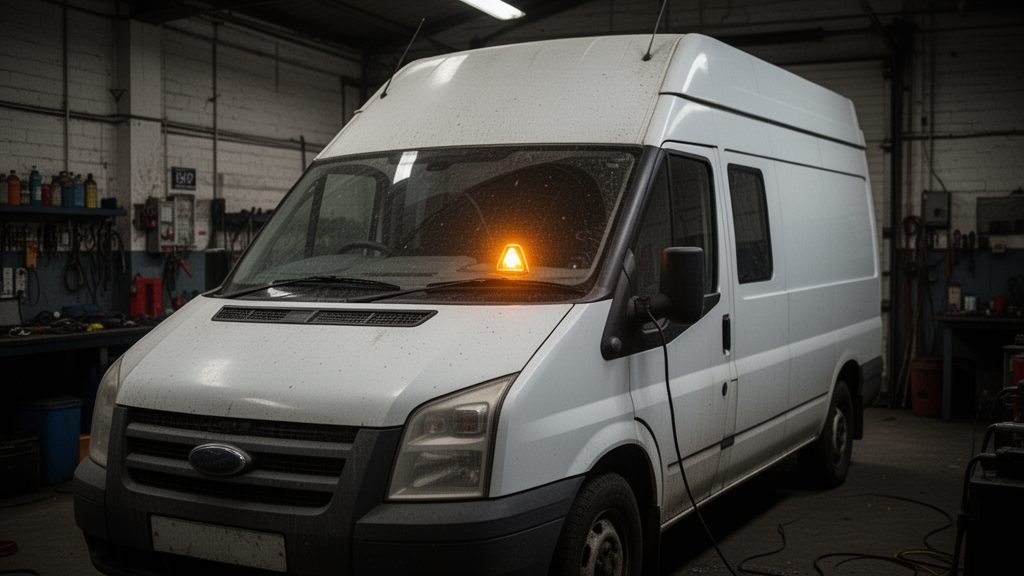
Why limp mode feels the same for DPF and AdBlue faults
Both systems can trigger torque limits.
The ECU does not care how the problem feels to you.
It cares about what it sees in sensor data and monitoring logic.
- DPF faults limit power to protect against high exhaust backpressure and heat events.
- AdBlue/SCR faults limit power to manage emissions compliance and protect the system.
That is why “it goes into limp mode on hills” does not tell you the cause on its own.
You need the dash message pattern and the fault code group.
You can usually separate DPF vs AdBlue in minutes with the right checks.
You do not need to guess parts first.
Dash clues you can trust
Some messages point strongly one way.
Use these as your first filter.
| What you see | More likely AdBlue / SCR | More likely DPF | What to do first |
|---|---|---|---|
| No start in X miles / start prevention countdown | Very strong indicator (SCR compliance logic) | Uncommon | Read codes and follow countdown guide |
| AdBlue system fault / emissions service required | Common (SCR monitoring) | Possible overlap | Check for P20E8, P204F, P207F, P20EE |
| DPF full / “Drive to clean filter” / regen prompts | Less common | Strong indicator | Check soot load and regen history |
| Fans running after shut-off repeatedly | Can happen, but less common | Common with regen attempts | Look for regen interruptions and short-trip pattern |
| Warning returns after topping up AdBlue | Common if checks still fail | Not typical | Follow the relevant SCR code guide |
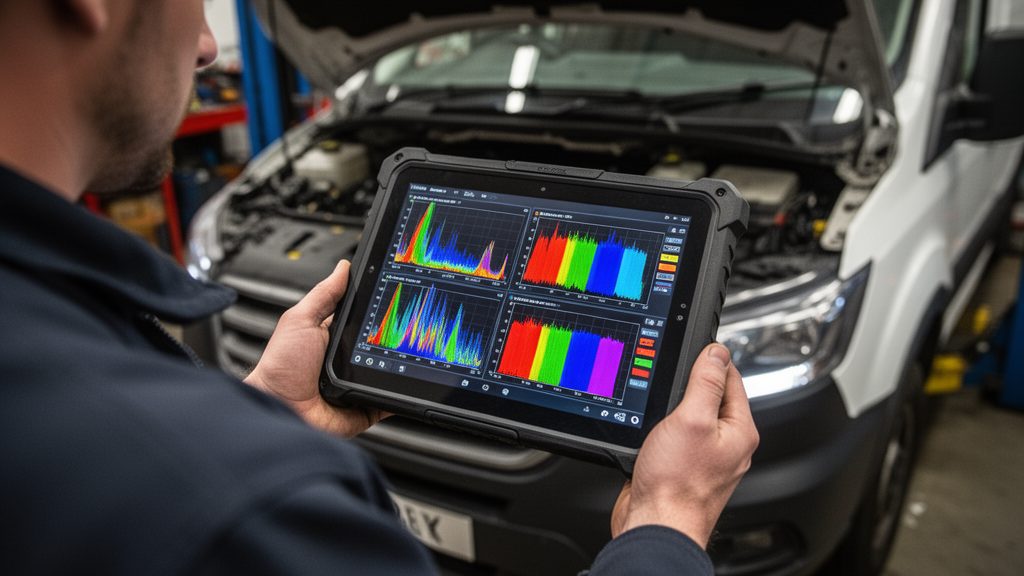
Code groups: what points to DPF and what points to AdBlue
This is the part that stops the guessing.
You do not need every code under the sun.
You need the group that explains why the ECU is limiting torque.
Common SID212EVO SCR codes
- P20E8 low reductant pressure
(guide) - P204F reductant system performance
(guide) - P207F reductant quality performance
(guide) - P20EE SCR efficiency below threshold
(guide)
If you keep clearing codes, read:
reset vs fix.
Common DPF-related indicators
- DPF soot load / ash load warnings
- Regen failures or repeated interrupted regens
- High differential pressure readings under load
- Turbo underboost caused by backpressure and heat management
If you also see AdBlue codes, deal with the SCR side first if a countdown is active.
Otherwise, you can chase the wrong system.
They see limp mode and buy DPF parts.
Or they see an AdBlue message and buy an AdBlue pump.
The ECU usually tells you which system it is in the code group.
Quick checks you can do before spending money
You want checks that change your next decision.
These do.
Is a countdown present?
- If yes, treat it as SCR compliance first.
- Pull codes and follow the countdown path.
- Fix the failing check and then confirm it passes.
Start here:
no-start countdown.
What returns after clearing?
- DPF issues often return with regen warnings and soot load patterns.
- SCR issues often return with P20E8/P204F/P207F/P20EE clusters.
- If the same SCR code returns quickly, the test still fails.
Hub overview:
SID212EVO faults explained.
You drive short runs all week.
The van tries to regen but you switch it off.
You then get limp mode with DPF warnings but no countdown.
That points to DPF.
Now swap the pattern.
The van runs fine, then shows “no start in 400 miles” with P20E8 or P20EE.
That points to SCR.
What to do next
Pick the path that matches your situation.
This keeps the repair focused.
- Countdown present: go to
no-start countdown,
then follow the exact code guide if needed. - P20E8 present: go to
P20E8 low pressure. - P204F present: go to
P204F performance. - P207F present: go to
P207F quality. - P20EE present: go to
P20EE efficiency.
Then return to the hub to follow the full map:
SID212EVO master guide.
We can diagnose which system is causing the limp mode and confirm the fix holds.
If you’re weighing options, also read:
AdBlue reset vs delete.