SID212EVO Software Updates: Why New SCR Faults Appear (2026)
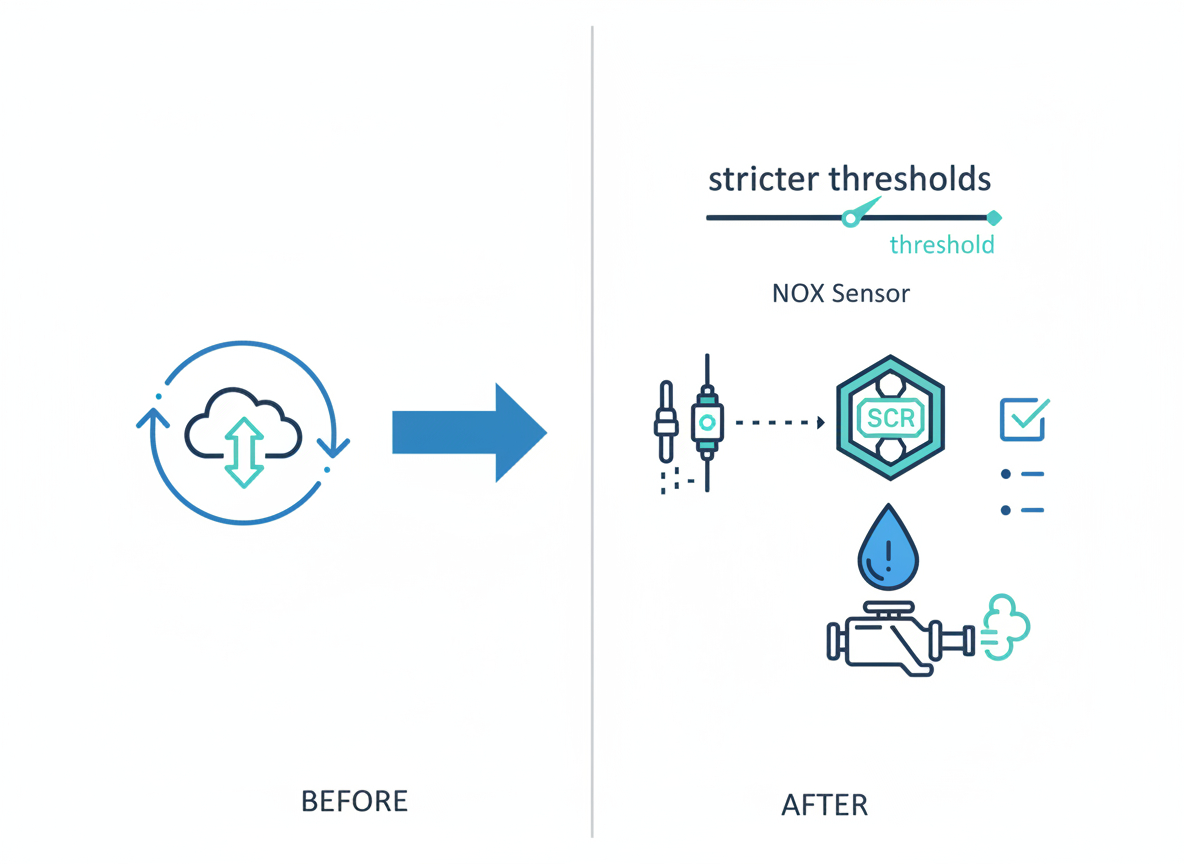
A SID212EVO software update can tighten monitoring thresholds.
That can expose borderline parts that previously “just about passed” the SCR checks.
The fix is not guessing parts. It’s proving which check fails now: pressure, quality, or SCR efficiency.
Your Ford EcoBlue van drives fine.
It goes in for dealer work or a software update.
A few days later you see an AdBlue warning, a new fault code, or a countdown.
It feels like the update caused the problem.
Most of the time, the update doesn’t “break” the van.
It changes how SID212EVO tests the SCR system, which can trigger faults that were already close to failing.
Why SCR faults appear after a SID212EVO update
Think of it like this.
The SCR system passes a set of tests every day you drive.
Some vans sit right on the edge of passing because of wear, contamination, mild sensor drift, or a weak pump.
An update can tighten how the ECU judges those tests.
When the same hardware now sits outside the new limit, the ECU logs a fault.
The update often exposes a fault that was already developing.
That’s why the warning can show up “out of nowhere” even though nothing changed physically that day.

What can change in the ECU after an update
Updates can adjust how the ECU monitors the SCR system.
You won’t always notice a difference in driveability at first.
But the emissions checks may become more sensitive.
| What changes | What you notice | What it can trigger |
|---|---|---|
| NOx efficiency threshold gets stricter | New AdBlue warning after motorway runs | P20EE (SCR efficiency) |
| Dosing/pressure plausibility tightened | Warning returns quickly after clearing | P20E8 (low pressure), P204F (performance) |
| Quality logic more sensitive to drift | “AdBlue quality” style messages even with fresh fluid | P207F (quality performance) |
| Monitoring runs more often or in more conditions | Fault appears sooner than it used to | Repeat warnings and faster escalation to countdown |
You assume the update “caused” it, so you chase software fixes only.
In most cases, you still need to find the weak link the new checks exposed.
Most common faults we see after updates (SID212EVO)
These are the repeat patterns.
If you’ve got one of these codes after an update, use the matching guide so you stay focused.
P20EE after update
SCR efficiency falls below threshold.
This often shows when NOx sensors drift under load, the injector spray is weak, or a small exhaust leak skews readings.
Follow:
SID212EVO P20EE guide.
P20E8 / P204F after update
Supply-side faults.
A pump that used to “cope” may now fail the stricter pressure test.
Crystallisation and restrictions can also show up faster after changes in monitoring.
Follow:
P20E8 low pressure
and
P204F performance.
P207F after update
Quality logic flags the reductant system.
It can be triggered by old fluid, contamination, or a mismatch between expected dosing and sensor feedback.
Follow:
SID212EVO P207F guide.
Countdown appears sooner
If monitoring runs more often, you can go from “one warning” to “no start in X miles” faster.
Treat it as time-sensitive.
Follow:
No-start countdown guide.
What to check next (simple, practical steps)
You want a plan that stops guessing.
Start with the basics below.
You’re trying to answer one question: which SCR check is failing now?
- 1) Pull the exact codes and write them down. Don’t rely on the dash message alone.
- 2) Note when it triggers: idle, cold start, motorway run, or after a regen.
- 3) Check for a countdown. If it’s active, don’t delay.
- 4) Don’t buy parts yet. Use the correct code guide to follow a test path.
Avoid parts roulette: how to prove the cause
After an update, a lot of people replace the part the code description mentions.
That can work.
It can also waste money if the code is a result, not the cause.
Common mis-steps
- Replacing a NOx sensor because “it’s an efficiency code” without checking for exhaust leaks.
- Replacing an AdBlue pump because “it’s a pressure code” without checking for crystallised restrictions.
- Clearing faults over and over, then getting caught by a countdown.
What works better
- Use live data to see if sensors respond under load, not just at idle.
- Verify pressure behaviour when dosing is demanded, not just during prime.
- Fix, then confirm the ECU check passes on a drive cycle.
We diagnose the failing check, fix what’s actually causing it, then confirm it passes so the warning doesn’t return.
If you’re stuck in resets that don’t hold, use:
Reset SID212EVO faults: what works and what fails.
SID212EVO software update FAQ
Most of the time, the update changes the monitoring and exposes a borderline part.
You still need to identify which check fails now: pressure, quality, performance, or efficiency.
Because some tests only run in certain conditions.
A motorway run, warm-up cycle, or dosing event can trigger the first “real” pass/fail after the update.
Sometimes, but if the check still fails it will return.
Use:
Reset guide.
Treat it as urgent.
Use:
No-start countdown guide.