
SID212EVO P204F Fault: Reductant System Performance Explained
P204F on SID212EVO means the ECU has decided the AdBlue system is not performing as expected.
That can come from unstable pressure, dosing issues, crystallisation, wiring faults, or sensor data that does not match what the ECU expects.
You fix it by proving which part of the performance test failed.
P204F can feel vague because it does not say “replace this one part”.
That’s the point.
It’s a performance decision.
The ECU has looked at what it asked the system to do and what it saw back, then flagged the result as out of range.
If you’re seeing a warning or a countdown, this post helps you narrow it down fast.
P204F often appears with P20E8 (pressure) or alongside P20EE (efficiency).
Use the hub to keep your diagnosis tight:
SID212EVO faults explained.
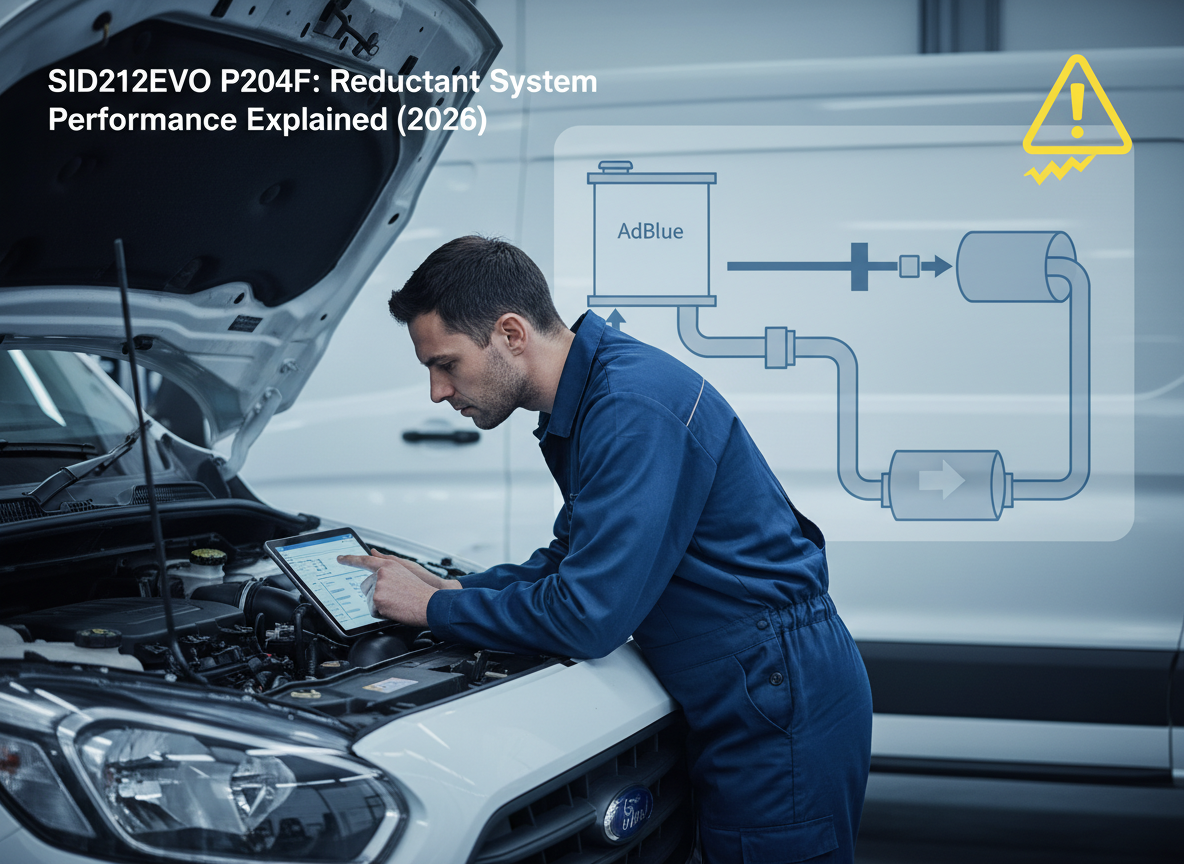
What P204F means on SID212EVO
P204F is “reductant system performance”.
In plain terms, the ECU has asked the AdBlue system to dose and behave in a certain way, then decided the real-world result did not match what it expected.
That mismatch can come from supply issues (pressure and flow), dosing problems (injector), contamination and crystallisation, or sensor and wiring faults that make the ECU think the system did something it didn’t.
Treat P204F as a “check failed” message.
Your job is to find which check.
Once you prove that one piece is stable again, the warning stops returning.
What you’ll notice when P204F triggers
Dash messages
- AdBlue or emissions warning that repeats after clearing.
- Countdown can appear if it persists across drive cycles.
- Sometimes shows after a long run, not straight away.
Patterns
- Fault returns after load, motorway driving, or towing.
- Can worsen in cold weather if crystallisation builds.
- Can follow a “small fix” where the root cause stayed.
Common causes of P204F on Ford EcoBlue
P204F often sits in the middle of a chain.
A supply fault starts it.
The system tries to compensate.
Then the performance check fails and the ECU flags P204F.
| Cause | Why it trips P204F | Clues you can spot | Where to go next |
|---|---|---|---|
| Low or unstable pressure | Dosing cannot meet expected behaviour | P20E8 present, prime is weak, pressure drops under demand | P20E8 guide |
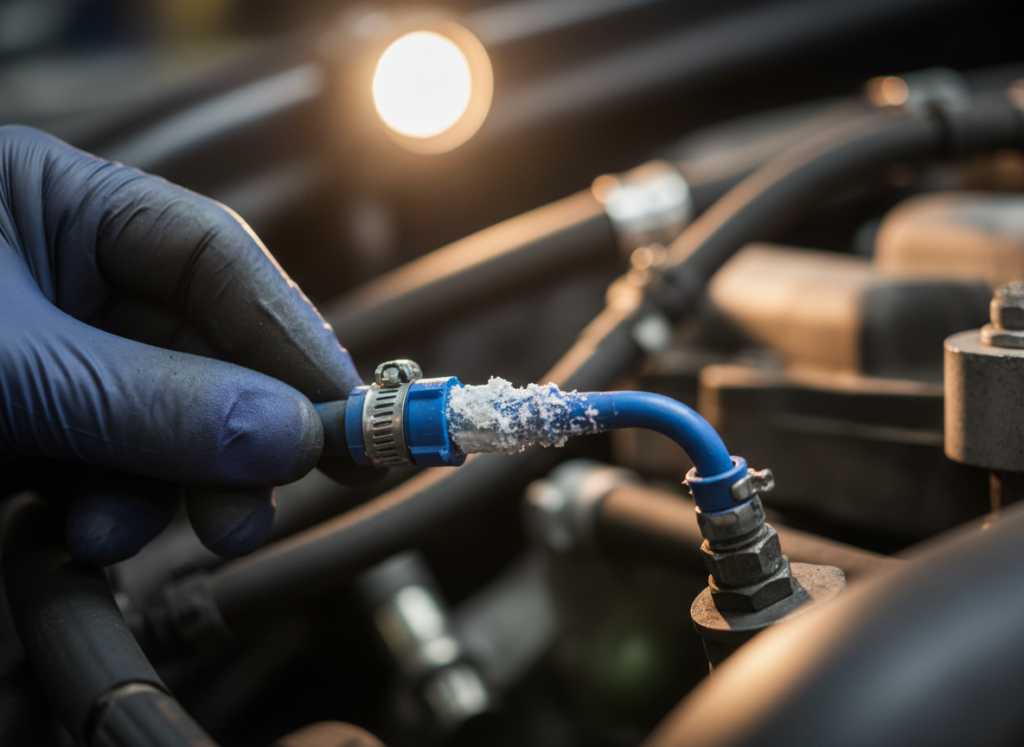
| Crystallisation / restriction | Flow becomes inconsistent so the ECU flags performance | White deposits near dosing point or filler neck, repeat faults after “repairs” | Crystallisation symptoms |
| Dosing injector issues | Spray and dosing result do not match expected outcomes | P204F with P20EE, deposits at injector, inconsistent behaviour under load | P20EE guide |
| AdBlue quality logic overlap | ECU thinks dosing/quality does not match calculations | P207F present, warning stays on after top-up, repeat after refill | P207F guide |
| Wiring / connector faults | Signals become unreliable so the ECU flags performance | Intermittent faults, weather-related returns, no clear “parts” pattern | Reset vs fix |
Diagnostic steps that narrow P204F down
Use this sequence to reduce the search space.
You’re trying to work out if P204F is driven by pressure, restriction, dosing, or sensor data.
Step 1: lock onto the trigger pattern
- Does it trigger on start-up, or only while driving?
- Does it appear after motorway load?
- Does it appear after a refill or recent work?
Step 2: check for the “driver” code
- P20E8 present: treat pressure as the first suspect.
- P207F present: treat quality logic as a parallel suspect.
- P20EE present: treat injector/NOx/catalyst logic as linked.
Step 3: inspect for restriction
- Look for crystals around dosing point and filler neck.
- Check for deposits that suggest flow issues.
- If you replaced parts, ask what got cleaned and what didn’t.
Step 4: prove the fix with a real drive
- Clearing codes is not the test.
- The test is whether the ECU re-runs and passes.
- Drive it through the conditions that used to trigger it.
If you want the full context around how SID212EVO escalates warnings and countdowns, go back to:
SID212EVO master guide.
How P204F links to P20E8 and P20EE
This is where a lot of people get stuck.
They fix one thing, then the next code appears.
That does not mean the first fix was wrong.
It can mean the system is now running the next test and showing the next weak link.
Low pressure can make dosing inconsistent.
The ECU then flags performance because the dosing result does not match expected behaviour.
Use:
P20E8 low pressure guide.
If dosing stays off long enough, NOx reduction drops.
The ECU can then log P20EE because the SCR efficiency test fails.
If you only chase the newest code, you can miss the first cause.
Work backwards.
Find the driver fault and prove the system passes again.
What to do next
Choose the next page based on the codes you actually have, not what you think the van “probably needs”.
- P204F on its own: check restriction and trigger pattern first. Then confirm pressure behaviour.
- P204F + P20E8: treat pressure as the first fix.
- P204F + P20EE: treat injector behaviour and efficiency logic as linked.
- P204F + P207F: rule out quality/contamination and sensor plausibility.
If you’re in a loop of clearing codes and they return, read:
Reset SID212EVO faults: what works and what fails.
We diagnose first, then fix the actual failure so P204F stops repeating.